 Sandspit
Core Workflows
Excel Change Event Imports
Use the Excel add-in when change event preparation already happens in a workbook. Sandspit adds project selection, picklists, validation, issue review, and Procore sync inside Excel.
When to use Excel
Excel is useful when PMs or PEs already receive structured cost information or maintain change-event preparation templates in workbook form.
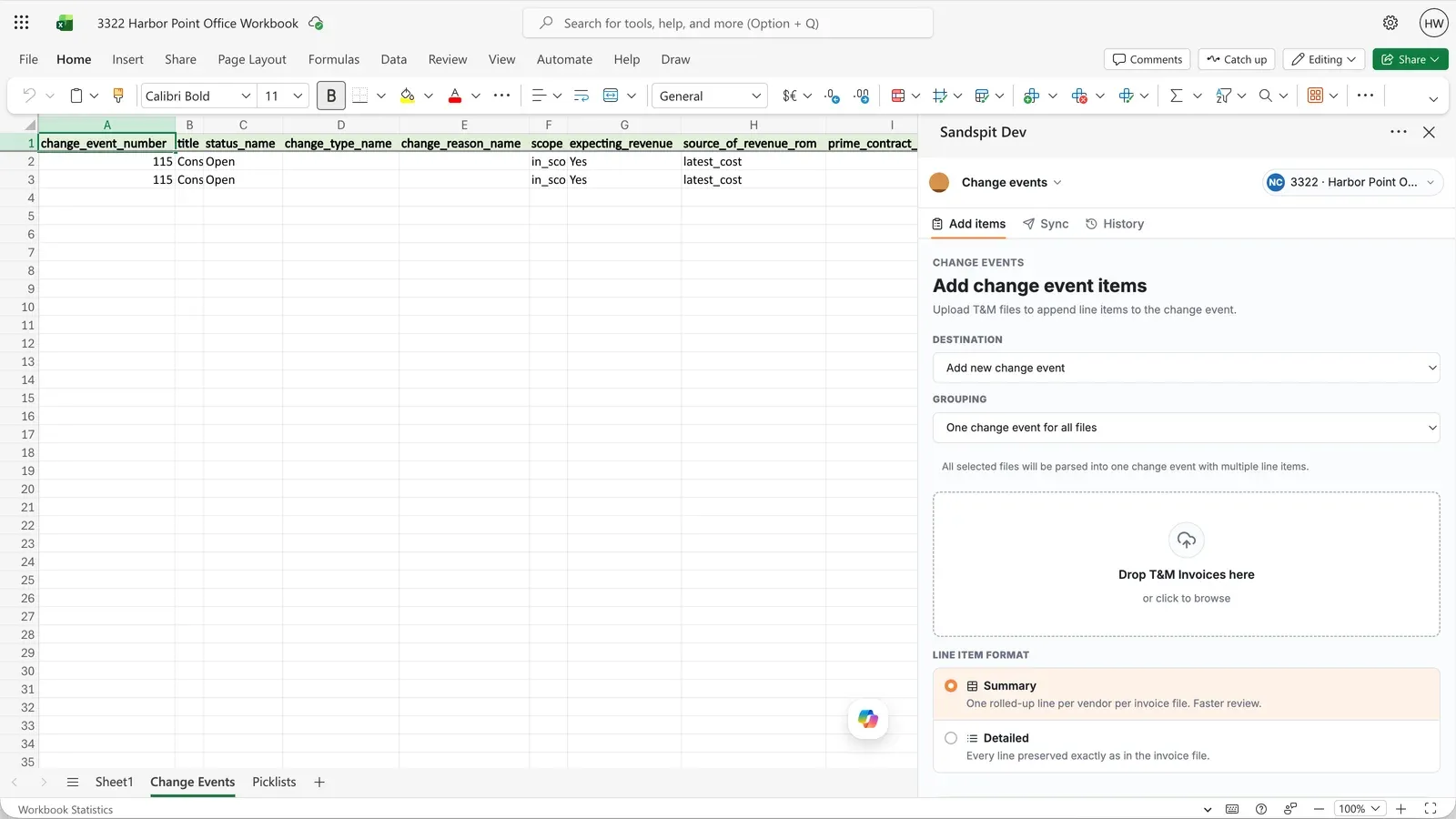
The add-in keeps the workbook and Sandspit task pane together. Teams can select the active Procore project, work from a prepared template, and keep project-specific picklists close to the rows they are editing.
Validate the workbook
Validation checks workbook rows against the selected Procore project before sync. Issues are grouped by row, field, and category so users know what to fix.
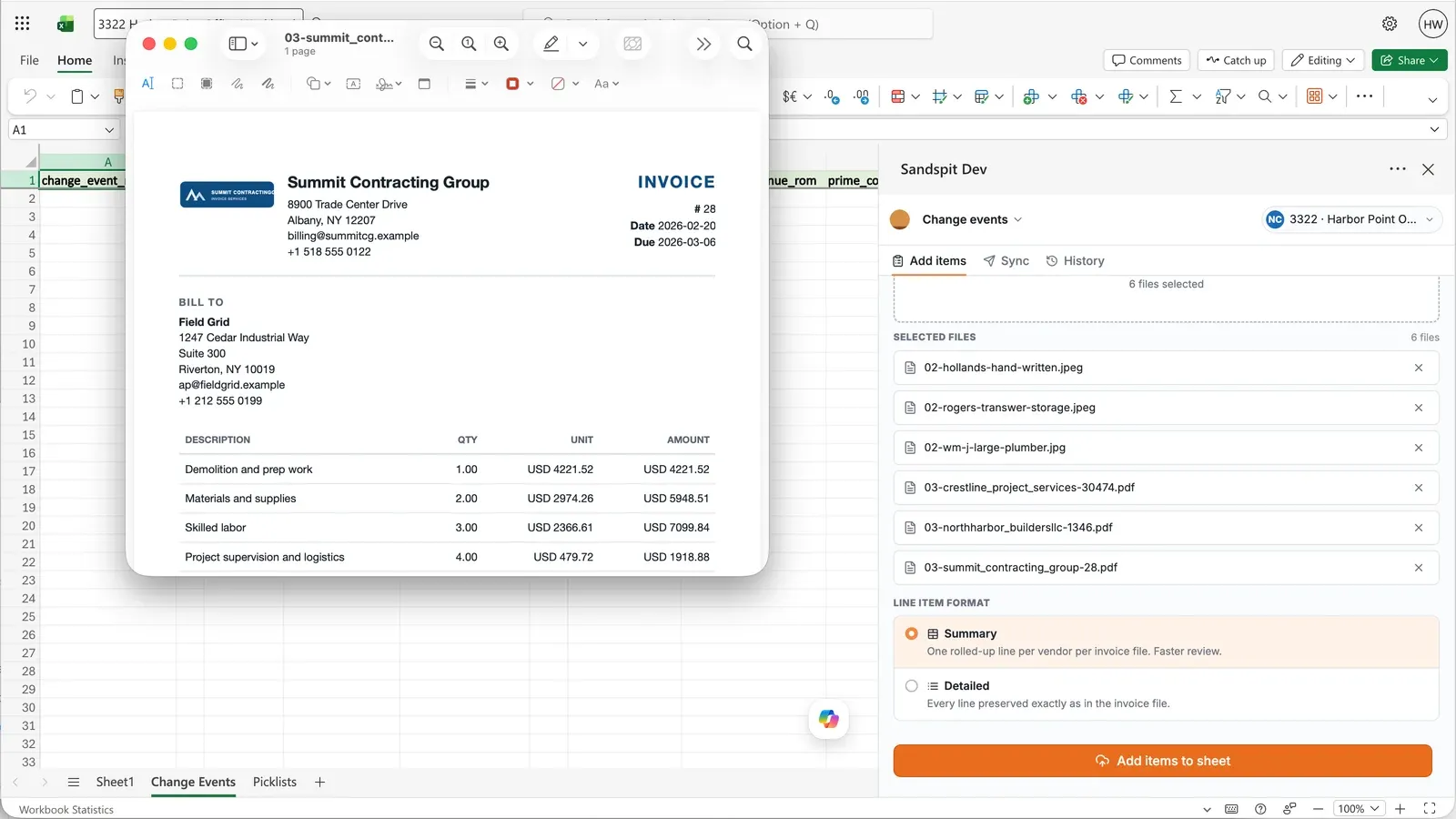
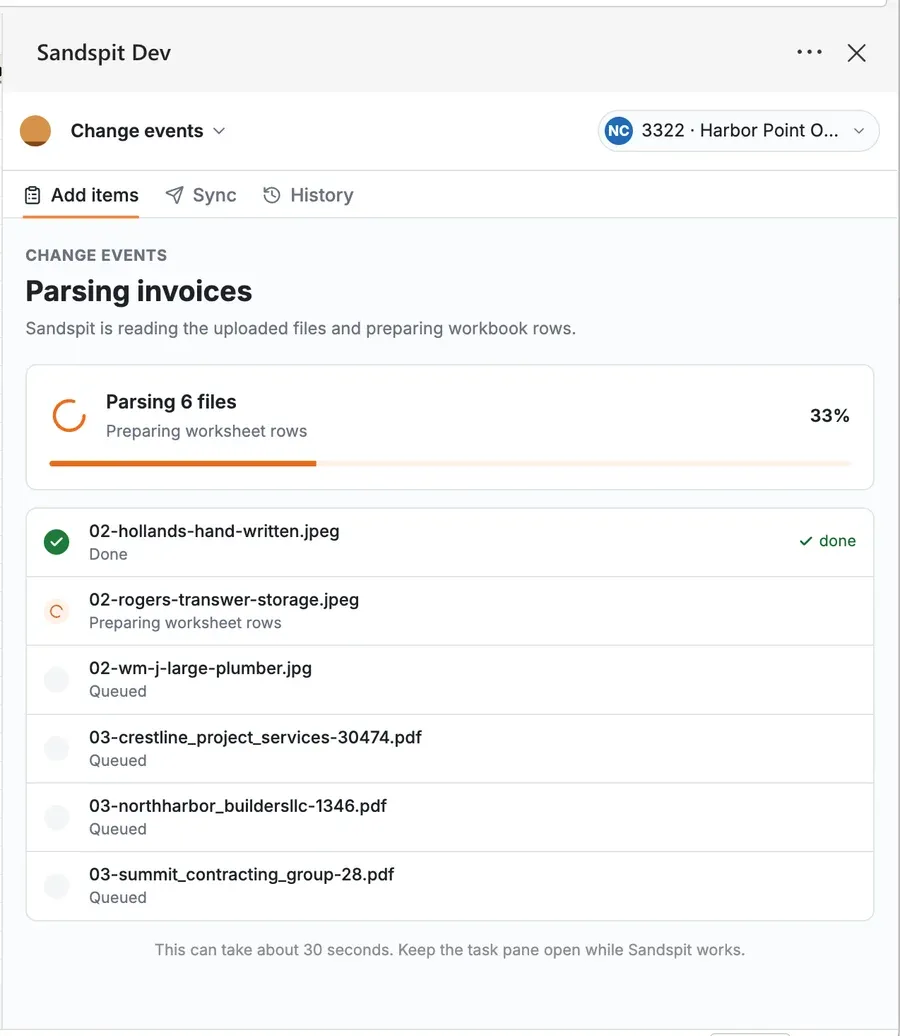
Sync to Procore
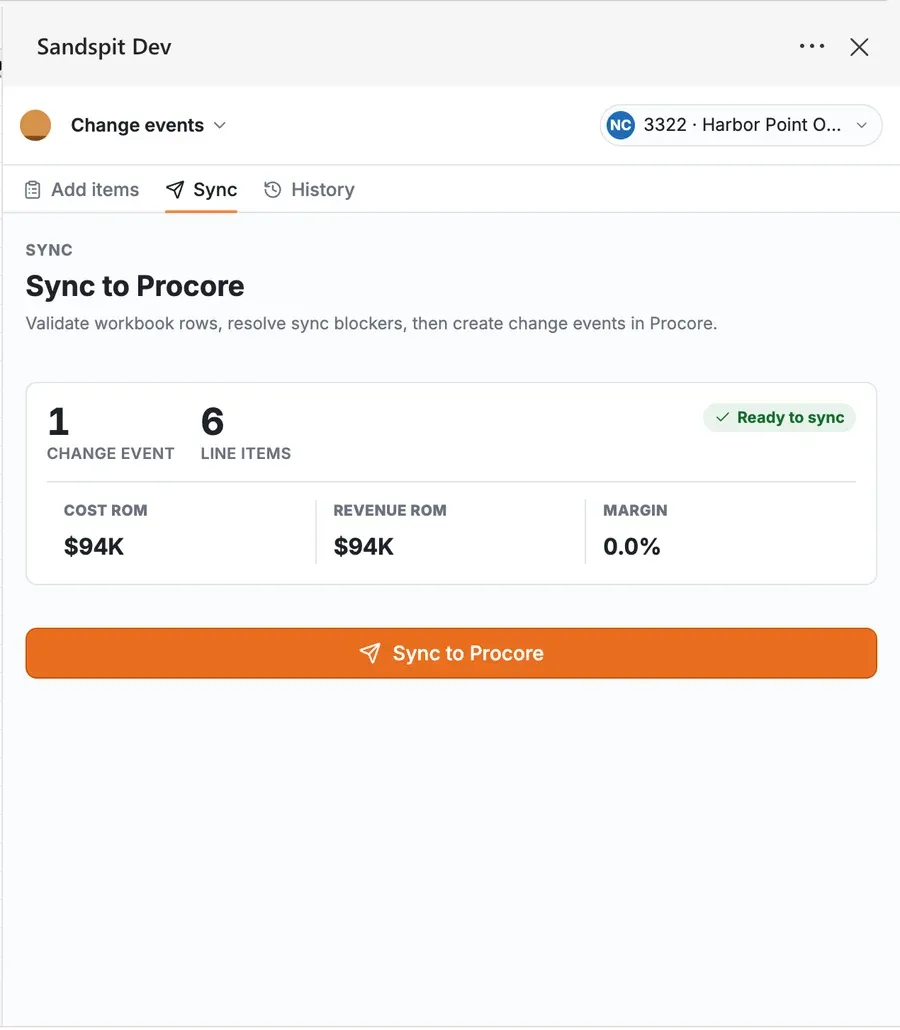
After review, Sandspit syncs reviewed change events and line items to Procore, shows whether rows synced successfully, and surfaces errors that need attention.
The sync step follows the same staging model as the web app: validate first, keep rows that need attention out of Procore, and send only reviewed change-event data when the workbook is ready.