Sandspit
Getting Started
Where Sandspit Runs
Sandspit runs in the places PMs and PEs already review project data: the web app, Procore, a focused side panel, and Excel. Choose the entry point based on the task, the source file, and how much project context the user needs.
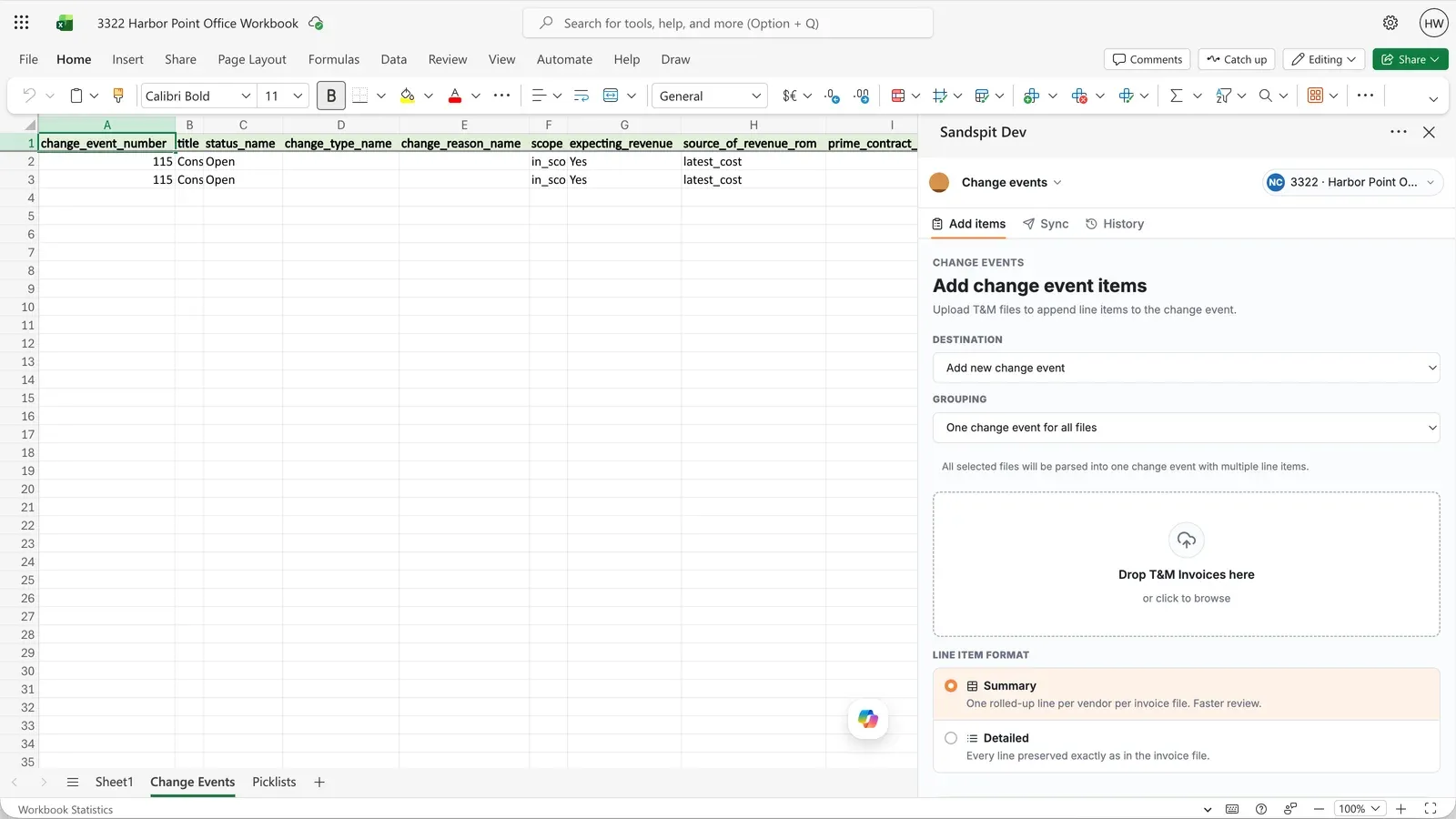
Standalone web app
Use the full web app for broad project review, saved views, imports, settings, project enablement, and admin workflows.
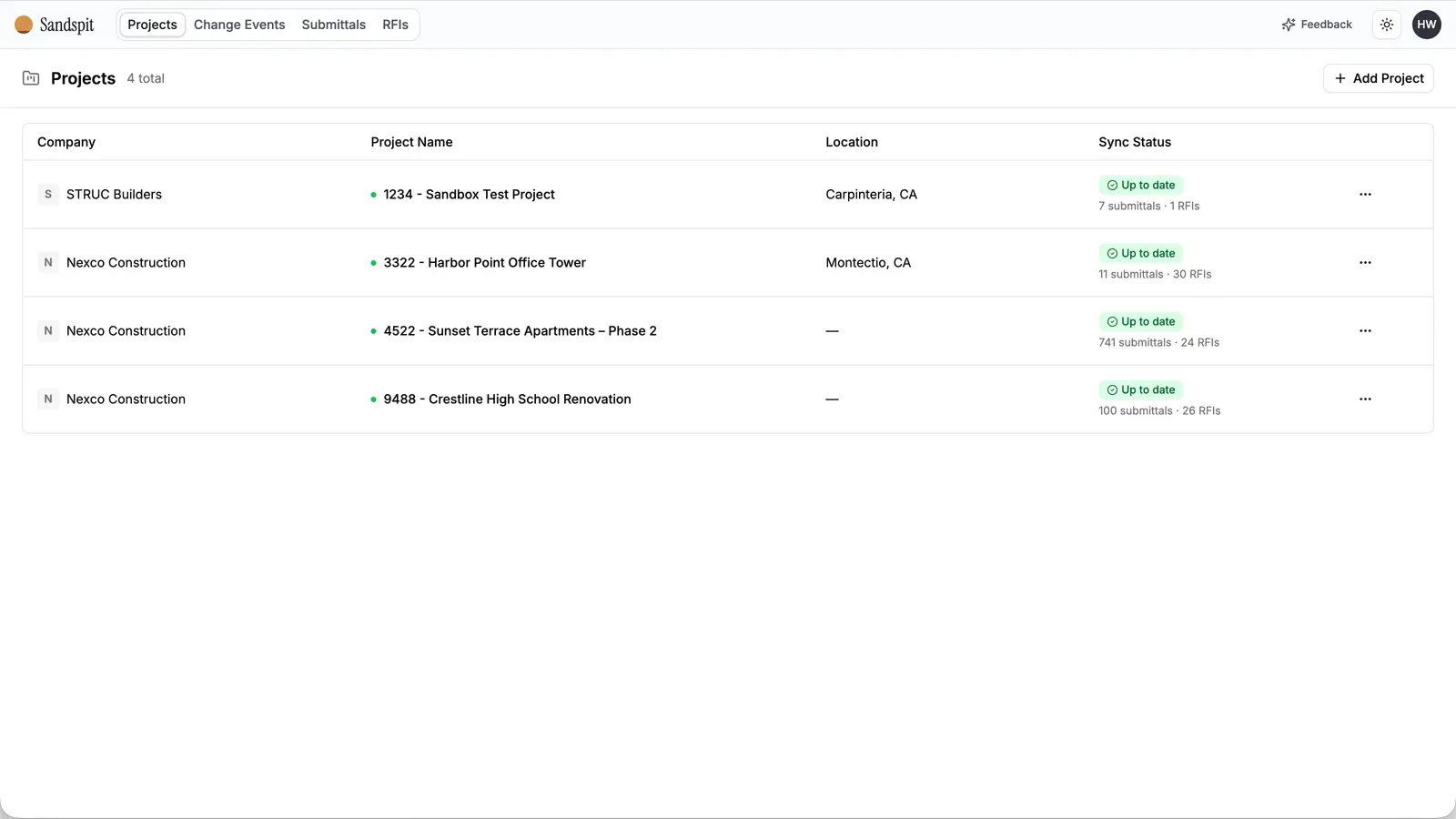
Procore embedded app
Use the embedded app when teams want Sandspit available directly from Procore project context.
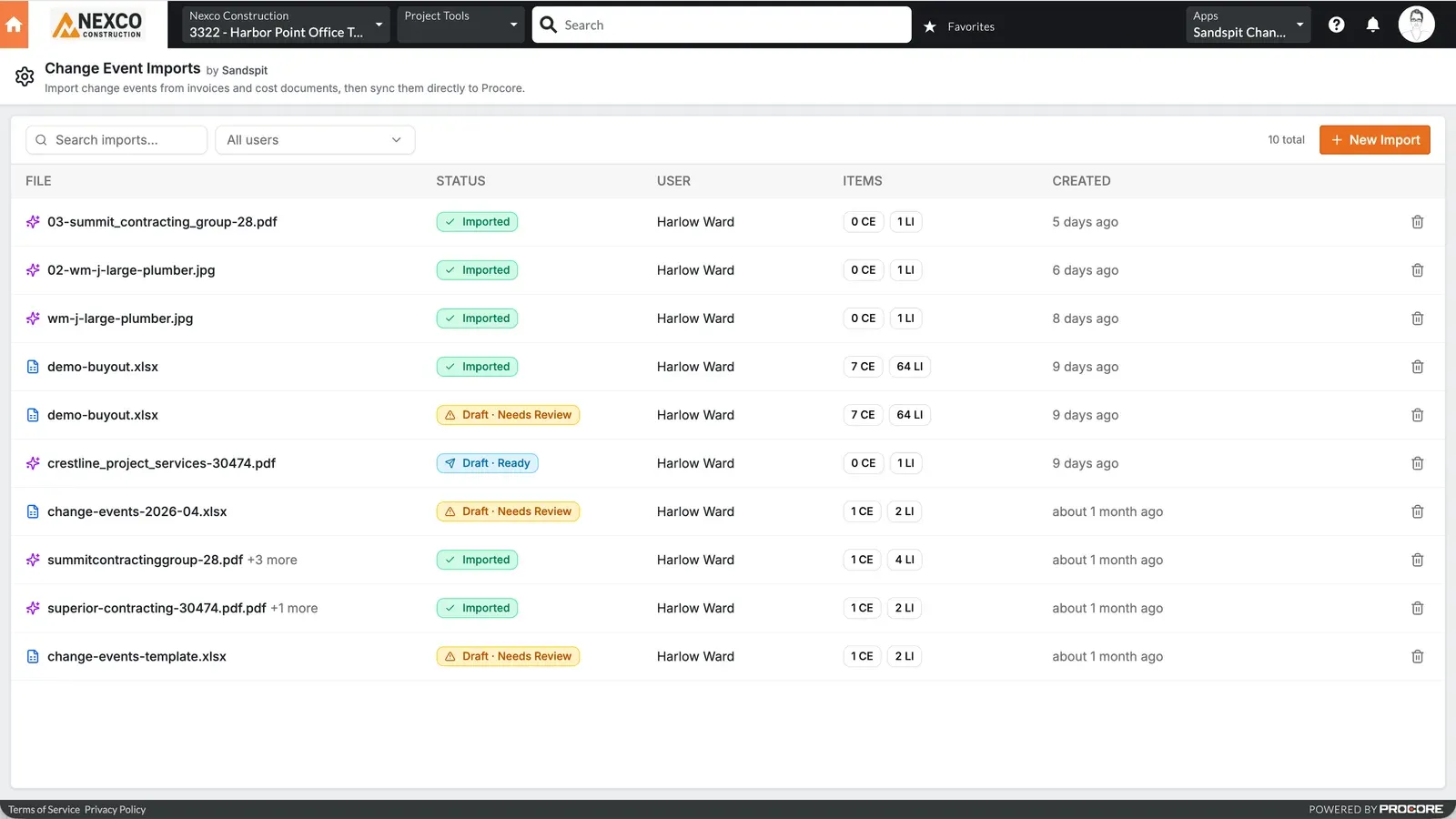
Procore side panel
Use the side panel for focused validation, cleanup, and guided actions without sending users into a full-screen workflow.
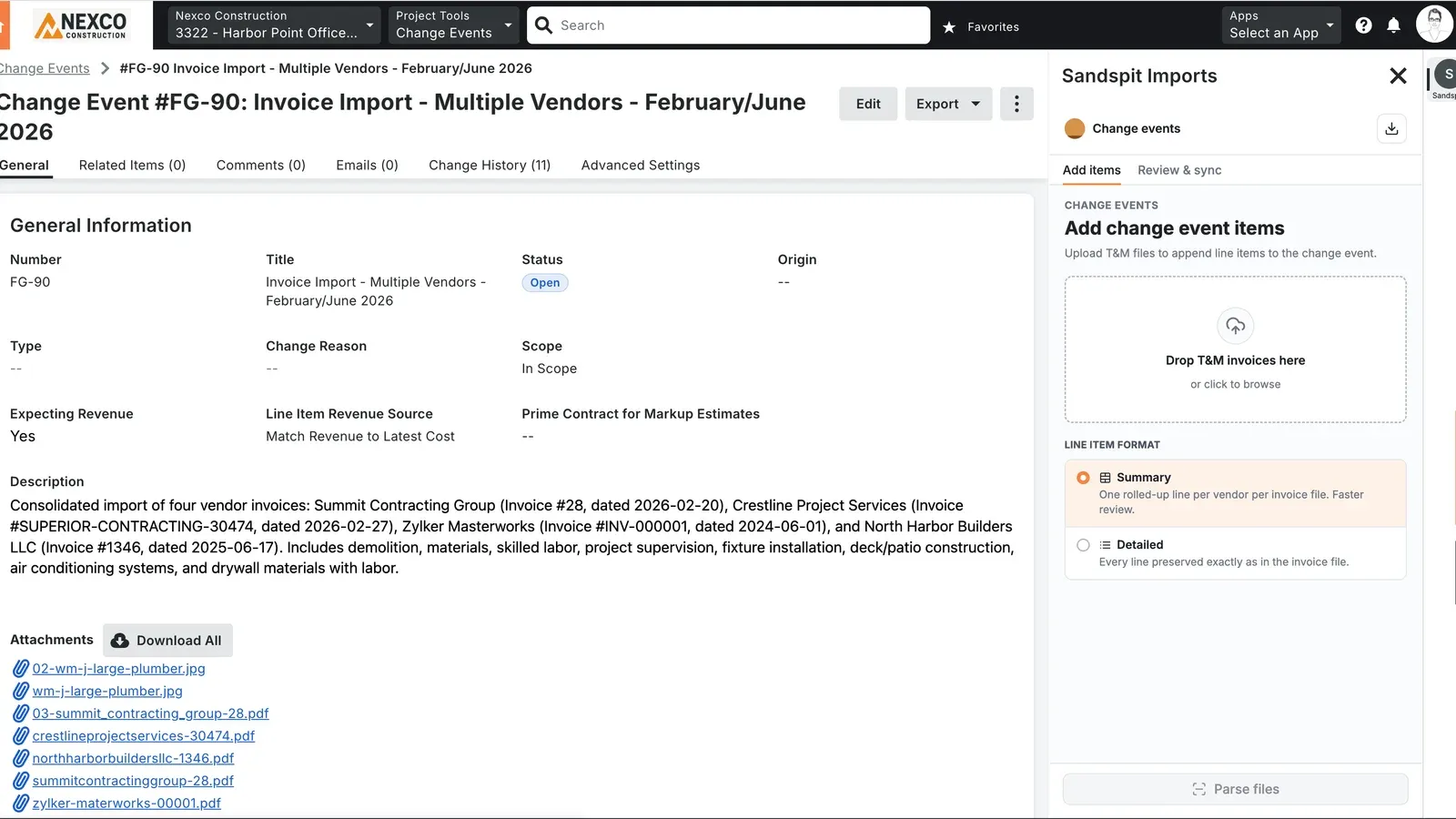
Excel add-in
Use the Excel add-in when change event work starts in a workbook. The task pane supports project selection, templates, picklists, validation, issue review, and syncing to Procore.